
 Open in Telegram
Your money under your control.
You decide when to send and who receives it.

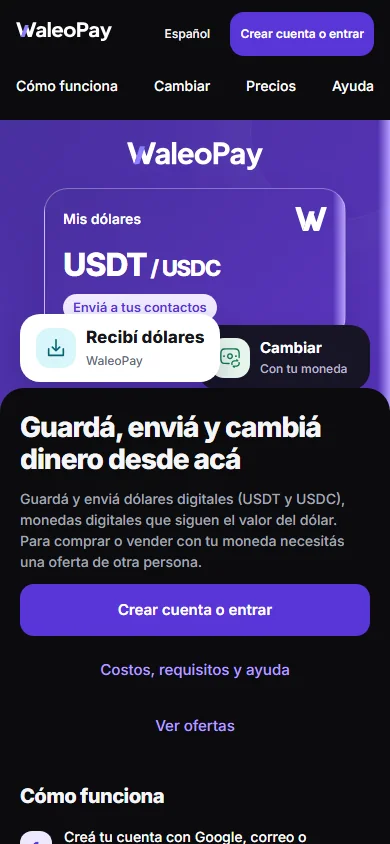
Save and send digital dollars (USDT and USDC). To buy or sell with your currency, you need an offer from another person. In 41 countries, subject to available offers.
Costs, requirements and help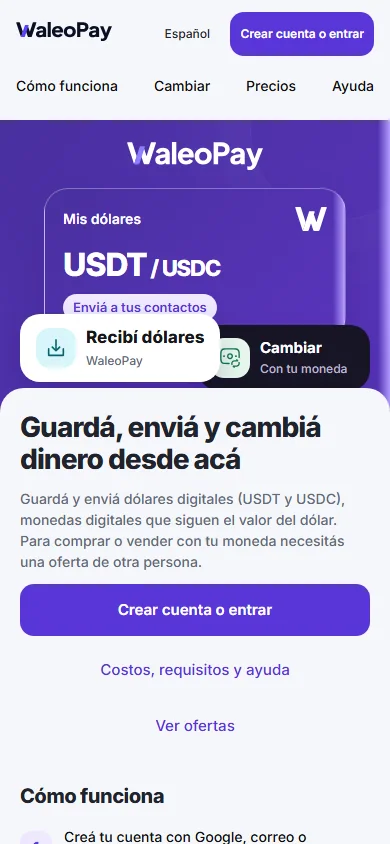
How it works
From signing in to your next transfer, all in one account.
Use Google, email or Telegram. If you already have an account, choose the same method.
Availability depends on other people. Verify who you are when it's required to buy and sell.
Open Transactions to see whether the money arrived.
The essentials
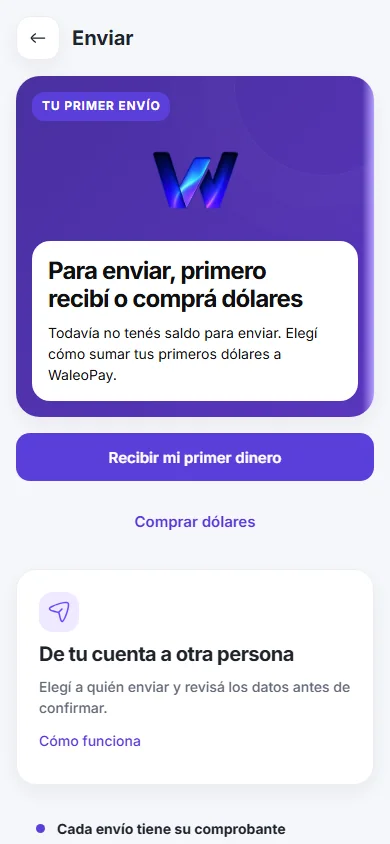
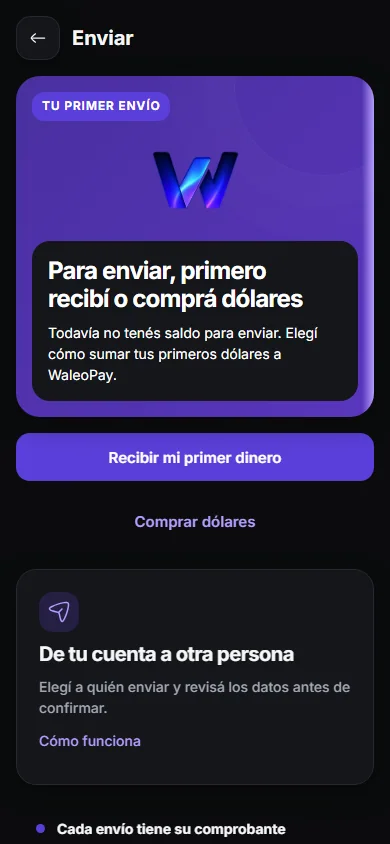
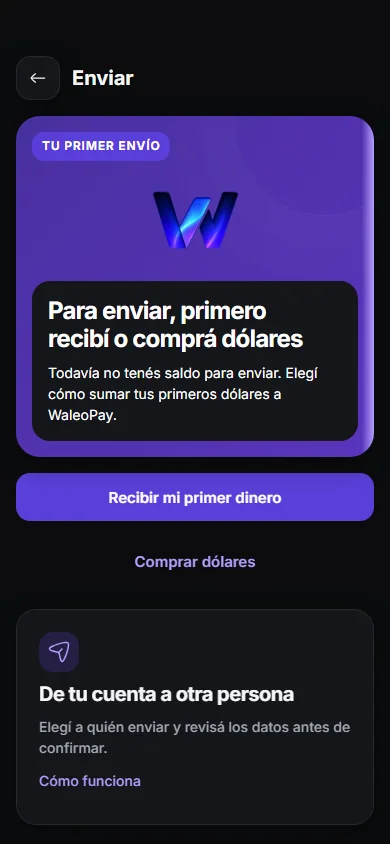
Choose who to send to and how much. Review the details and cost before confirming.
To receive from another app, share your receiving details and the matching network.
Payment link
Create a request and share the link. The other person will see how much to send.
Amount and currency
The other person opens a payment page
Open, paid, or cancelled
Buy · Sell
Buy or sell dollars with another person and follow each step.
Your card
Join the interest list. The card isn't available to use.
Join the card interest listOn Telegram
Open WaleoPay in Telegram. Your account, right where you chat.
Open in Telegram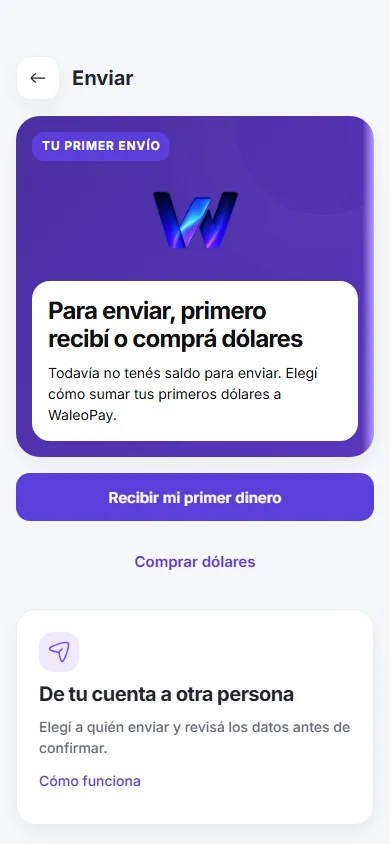
WaleoPay uses USDT and USDC: two types of digital dollar you can hold, send and receive. They are designed to maintain a value of 1 US dollar per unit, although their price can vary. They are not banknotes or a bank deposit.
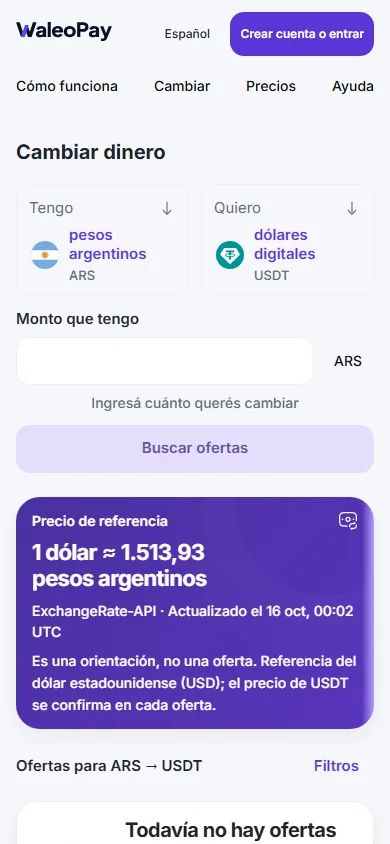
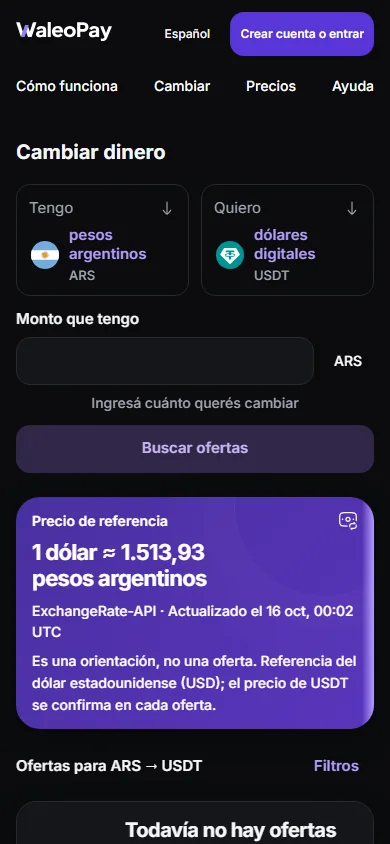
To bring dollars from another app, open Receive and share your receiving address and the instructions shown there. You can also buy dollars from another person with your local currency in Buy and sell (P2P).
Your dollars stay in your account. To send, you confirm the transfer; we may ask for a sign-in code to check it is you. Never share it: WaleoPay never asks for it in chat.
A confirmed transfer usually cannot be undone. Check the other person's full receiving address, currency and network before sending. If you sent to the wrong account, contact us with the transaction number.
For digital dollar transfers, the summary shows the cost in dollars before you confirm. The cost depends on the transfer; check the total that will leave your account. For Buy and sell (P2P), check the offer price and cost before accepting it.
You do not need a bank account to explore the available features.
Sign in on another phone using the same Google, email or Telegram account you used to register. Losing your phone does not move your money. If you cannot access that Google, email or Telegram account, recover it first.
A network is the path your dollars travel on: Solana, TON or TRON. The sender and receiver must use the same one. If they do not match, the money can be lost. Receive shows you which network to use.
Peace of mind
You decide when to send and who receives it.
Sign in with your email, Google or Telegram. We may ask for a sign-in code to confirm it is you. Never share it.
See the destination, amount and cost before confirming each transfer.